From Channel Sliders to Color Wheels: Working in RGB and Thinking in HSL
You ship a brand color as RGB(37, 99, 235). A week later, design comes back with a request: the dashboard needs a hover state that's "a touch lighter," a disabled state that's "a bit washed out," and a dark-mode variant that's "the same blue but dimmer." Try doing all three by editing R, G, and B values directly. You'll be there for an hour, and at least one of the variants will end up looking subtly purple. An RGB to HSL converter is the tool that ends that hour — not because the math is hard, but because HSL exposes the three knobs (hue, saturation, lightness) that match how humans actually describe color changes.
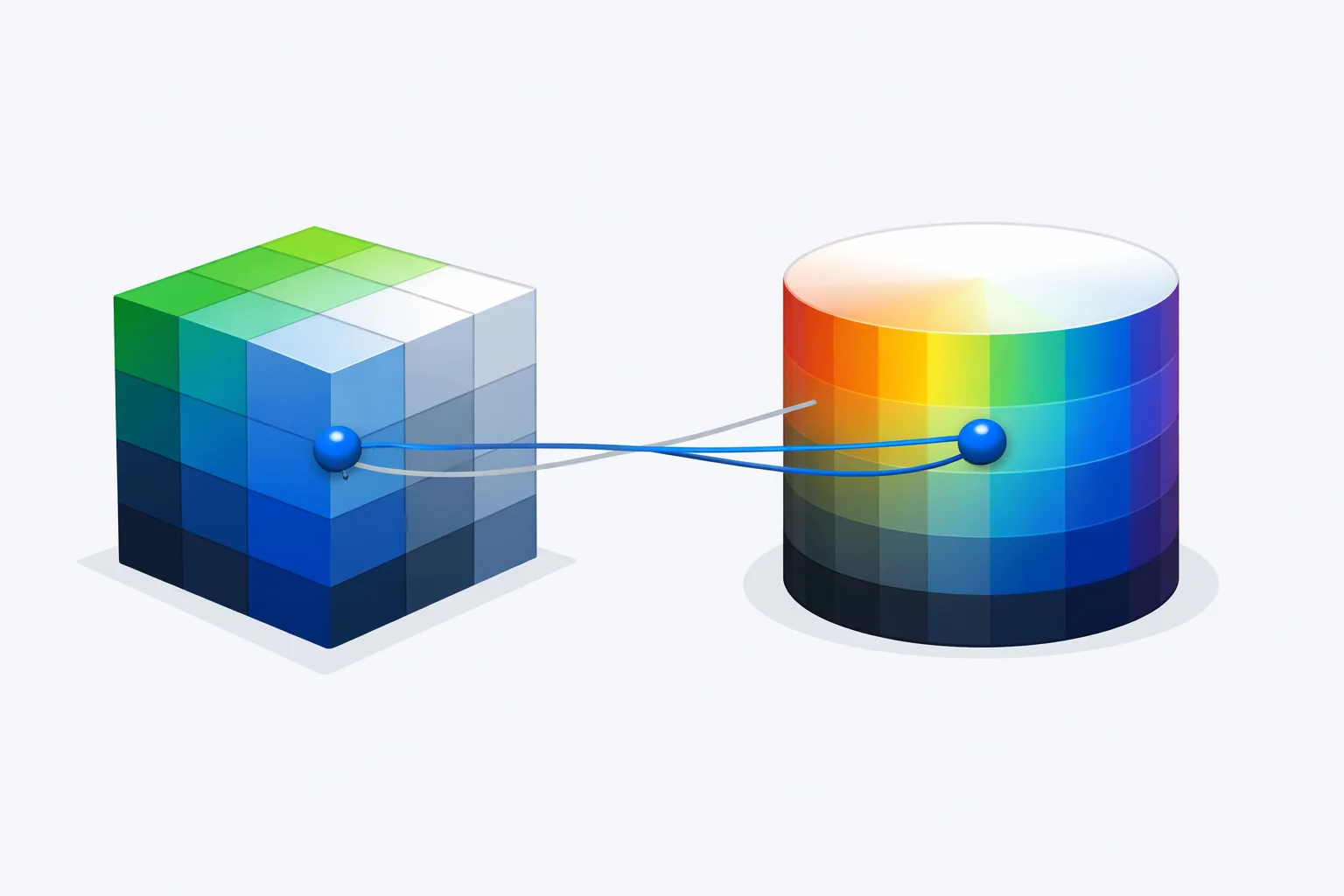
The Theming Moment That Forces You to HSL
Almost every front-end engineer hits the same wall the first time they build a serious theming system. RGB is wonderful for storage — three integers, eight bits each, 16.7 million possible colors — and it's the format every image file, every canvas API, and every getImageData() call returns. But the moment you need variationsof a color rather than the color itself, RGB stops cooperating. You can't lighten it without nudging all three channels in proportion, and even then the hue drifts. You can't desaturate it without computing a luminance value and blending toward gray. You can't shift it to a related accent color without getting deep into matrix math.
HSL collapses all three of those operations into "change one number." That's why CSS3 added hsl() in 2003, why design tokens in Tailwind, Radix, and shadcn/ui all store colors as HSL channels, and why component libraries that need automated dark-mode generation universally do the conversion to HSL first.
What Changes When You Start From RGB
The RGB to HSL formula is the same regardless of whether you arrived at the input via hex parsing, a color picker, or a canvas pixel sample. What changes is the prep work: hex inputs need base-16 parsing, picker inputs are already integers, and canvas inputs come pre-normalized as a Uint8ClampedArray. Starting from raw RGB skips one parsing step but introduces a different gotcha — you must remember to divide by 255 before applying the conversion math. Skip that step and your "lightness" values will exceed 12,000.
Once normalized to the 0–1 range, the algorithm is straightforward:
- Step 1: Find
maxandminof the three normalized channels. - Step 2: Compute
delta = max − min— this drives saturation. - Step 3: Lightness is just the midpoint:
L = (max + min) / 2. - Step 4: Saturation depends on lightness. When L ≤ 0.5,
S = delta / (max + min). When L > 0.5,S = delta / (2 − max − min). The split prevents a divide-by-zero at the lightness extremes. - Step 5: Hue branches on which channel was max. If red is max,
H = 60 × ((G − B) / delta mod 6). If green is max,H = 60 × ((B − R) / delta + 2). If blue is max,H = 60 × ((R − G) / delta + 4).
The conditional in step 5 is the part that catches people: hue isn't a single formula, it's a piecewise function that depends on which channel dominates. Get the wrong branch and your color shows up 120 degrees off — turning red into green or green into blue.
Worked Example: RGB(255, 99, 71) Tomato
The CSS named color tomato is RGB(255, 99, 71). Let's convert it by hand and verify against the live converter above.
- Normalize: R′ = 255/255 = 1.000, G′ = 99/255 = 0.3882, B′ = 71/255 = 0.2784
- Max/min: max = 1.000 (R), min = 0.2784 (B), delta = 0.7216
- Lightness: L = (1.000 + 0.2784) / 2 = 0.6392 → 64%
- Saturation: L is greater than 0.5, so S = 0.7216 / (2 − 1.000 − 0.2784) = 0.7216 / 0.7216 = 1.000 → 100%
- Hue: Red is max. H = 60 × ((0.3882 − 0.2784) / 0.7216) = 60 × 0.1522 = 9.13 → 9°
Final result: hsl(9, 100%, 64%). The 9° hue puts tomato just barely past pure red on the wheel, the 100% saturation says it's as vivid as red can be at this lightness, and the 64% lightness explains why it reads as a warm pinkish-orange rather than a deep red. Paste 255, 99, 71 into the converter to confirm.
The 0–255 vs Percent Trap
Modern CSS accepts RGB in two forms: integers (rgb(255, 99, 71)) and percentages (rgb(100%, 38.8%, 27.8%)). Both are valid. Both produce the same color. But they trip up conversion code in two specific ways.
First, if your input source is a CSS string and you're doing your own parsing, you have to detect the format. rgb(50, 50, 50) is dark gray. rgb(50%, 50%, 50%)is medium gray — the percent values normalize to 127, 127, 127. Treating them identically is a bug that manifests as colors looking "off" only for some users, depending on what their style source generated.
Second, percent inputs let you express colors that integer RGB cannot. rgb(50.5%, 50.5%, 50.5%) normalizes to 128.775 per channel — a value that has no integer representation in the 0–255 space. The W3C's CSS Color Module Level 4 specificationmandates that browsers preserve sub-integer precision through the rendering pipeline, but if your converter rounds to integers up front, you lose that fidelity. For most UI work it doesn't matter; for image processing and color science work, it does.
Round-Trip Precision Loss
Converting RGB to HSL and back is lossy by design. Standard sRGB stores 256 distinct values per channel, giving 2563= 16,777,216 unique colors. Integer HSL with hue in degrees (0–360), saturation (0–100), and lightness (0–100) only addresses 360 × 101 × 101 = 3,672,360 combinations. That's about 22% of the RGB space. The other 78% gets quantized into nearby buckets during the round trip.
For example, RGB(127, 128, 128) and RGB(128, 128, 128) are both nearly identical grays, off by a single bit on the red channel. Both round to HSL(180, 1%, 50%) and HSL(0, 0%, 50%) respectively, and converting either back gives RGB(128, 128, 128). The original red-127 gray is gone. This matters when:
- You're storing user-picked colors and then reconstructing them — always store the original RGB or hex, never the HSL.
- You're writing a color-difference algorithm — HSL distance is unreliable around grays because the hue value loses meaning.
- You're running a unit test that asserts
rgb → hsl → rgbround-trip equality — it will fail for ~78% of inputs.
The fix is structural: treat HSL as a view of an RGB color, not a replacement for it. Our RGB to hex converter handles the lossless side of the workflow when you need persistent storage.
Where HSL Lightness Lies to You
The amber panel in the converter above isn't decorative. It's comparing HSL's mathematical lightness against ITU-R BT.709 relative luminance — the formula your eyes actually use. Try the converter with RGB(255, 255, 0) (yellow) and then RGB(0, 0, 255)(pure blue). Both report 50% HSL lightness. But yellow has a perceived brightness around 93%, while blue measures only 7%. Your retina sees a 13× brightness difference between two colors HSL claims are equal.
This is why sorting palettes by HSL lightness gives uneven-looking results, and why darken/lighten functions in CSS preprocessors like SASS produce ramps that look flat in the dark range and uniform in the bright range. The math is consistent; perception isn't. The newer oklch() color space, defined in CSS Color Level 4, fixes this by using perceptually uniform lightness — an OKLCH lightness of 0.5 actually looks half-bright, no matter the hue. For now, when HSL lightness and perceived brightness diverge by more than 20 points in our converter, treat that as a flag: you may need to nudge the HSL value to compensate.
A JavaScript Reference Implementation
The full conversion takes 14 lines of vanilla JavaScript — no dependencies, no library:
function rgbToHsl(r, g, b) {
  r /= 255; g /= 255; b /= 255;
  const max = Math.max(r, g, b);
  const min = Math.min(r, g, b);
  const l = (max + min) / 2;
  if (max === min) return { h: 0, s: 0, l: l * 100 };
  const d = max - min;
  const s = l > 0.5 ? d / (2 - max - min) : d / (max + min);
  let h;
  if (max === r) h = ((g - b) / d + (g < b ? 6 : 0)) / 6;
  else if (max === g) h = ((b - r) / d + 2) / 6;
  else h = ((r - g) / d + 4) / 6;
  return { h: h * 360, s: s * 100, l: l * 100 };
}
Three things are worth noting about this implementation. The max === min early return handles grays cleanly — without it, the hue formula divides by zero. The ternary on saturation switches branches at the 50% lightness midpoint to keep the denominator non-negative. And the (g < b ? 6 : 0) trick on the red branch handles hue wrap-around when green is less than blue, which would otherwise produce a negative hue value that the browser would reject in a CSS string.
When to Skip HSL and Stay in RGB
HSL is a tool, not a religion. There are workflows where converting from RGB introduces more pain than it solves:
- Pixel manipulation in canvas. The
ImageData.dataarray is RGBA. Converting every pixel to HSL, modifying it, and converting back triples your processing time for no benefit. Most filters (brightness, blur, threshold) work directly on RGB channels. - WCAG contrast checking. Contrast ratios are computed from relative luminance, which is a weighted sum of linearized RGB. HSL lightness is not a substitute. Use our contrast checker when you need WCAG compliance.
- Print output. Print needs CMYK ink percentages, not screen color models. Going RGB → HSL → CMYK adds rounding error. Our RGB to CMYK converter does the conversion in one step with the proper ICC-aware math.
- Storage and serialization. Always store hex or RGB. HSL loses precision on round-trip and takes more bytes to serialize as a string.
Reach for HSL when you're generating variationsof a color — tints, shades, hover states, dark-mode pairs, harmony palettes. That's where the three-knob model pays off, and it's the only reason this conversion exists in the first place.