From Decimal Channels to Hex Strings: Why RGB-to-Hex Matters in Every Color Workflow
An RGB to hex converter takes three decimal channel values — red, green, and blue, each between 0 and 255 — and encodes them as a single 6-character hexadecimal string that CSS, HTML, and design tools understand natively. You're eyedroppering a color from a screenshot, your OS hands you rgb(37, 99, 235), and you need #2563EB for a Tailwind config or Figma token file. The math? Divide each channel by 16, map quotient and remainder to hex digits, and concatenate. But there are edge cases around rounding, clamping, and shorthand detection that trip up even experienced developers.
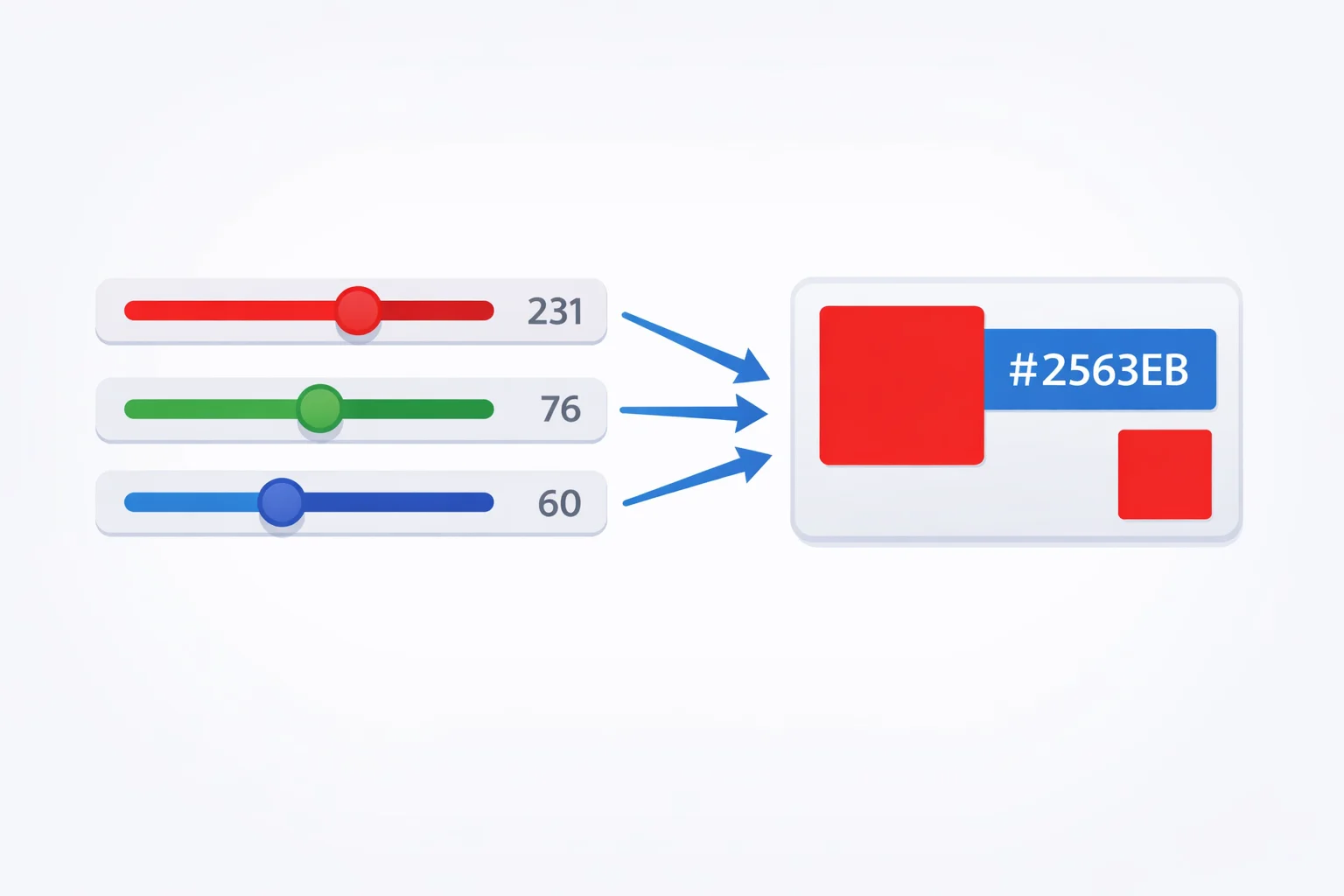
The Decimal-to-Hex Formula: Division and Remainders
Each RGB channel is a number from 0 to 255. To convert one channel to its two-digit hex representation:
First hex digit = floor(value / 16)
Second hex digit = value mod 16
Both results sit in the 0-15 range, and you map 10-15 to the letters A-F. Take the value 165: floor(165 / 16) = 10, which is A. 165 mod 16 = 5. Result: A5. For a channel value of 0, both digits are 0, giving 00. For 255, both are 15 (F), giving FF.
In JavaScript, value.toString(16) does this in one call — but it returns a single character for values under 16. That's why every implementation pads with .padStart(2, '0'): the channel value 9 must become 09, not just 9, or your 6-digit hex string turns into 4 or 5 characters and breaks.
Three Conversions Walked Through
Example 1: RGB(255, 87, 51) → a warm burnt orange
- Red 255: floor(255/16) = 15 → F, 255 mod 16 = 15 → F. Hex pair: FF
- Green 87: floor(87/16) = 5 → 5, 87 mod 16 = 7 → 7. Hex pair: 57
- Blue 51: floor(51/16) = 3 → 3, 51 mod 16 = 3 → 3. Hex pair: 33
- Result:
#FF5733
Example 2: RGB(37, 99, 235) → a medium blue (Tailwind blue-600)
- Red 37: floor(37/16) = 2, 37 mod 16 = 5 → 25
- Green 99: floor(99/16) = 6, 99 mod 16 = 3 → 63
- Blue 235: floor(235/16) = 14 → E, 235 mod 16 = 11 → B → EB
- Result:
#2563EB
Example 3: RGB(0, 128, 128) → teal
- Red 0: both digits are 0 → 00
- Green 128: floor(128/16) = 8, 128 mod 16 = 0 → 80
- Blue 128: same calculation → 80
- Result:
#008080
Notice that teal's red channel is zero while green and blue are equal at 128 — exactly half-brightness. That equal split is what gives teal its balanced, cool character compared to pure cyan at RGB(0, 255, 255) = #00FFFF.
When RGB Beats Hex (and Vice Versa)
Both formats encode the same 16,777,216 colors (256³). The question isn't accuracy — it's workflow fit.
| Scenario | Better Format | Why |
|---|---|---|
| CSS stylesheets and design tokens | Hex | 7 characters vs. up to 18 for rgb(); Figma and Sketch export hex by default |
JavaScript Canvas getImageData() | RGB | Returns a Uint8ClampedArray of R, G, B, A byte values directly |
| Programmatic color blending | RGB | Averaging channels is trivial: (r1 + r2) / 2 — no hex parsing needed |
| Git diffs and code review | Hex | Shorter strings mean smaller diffs; pattern stands out in code scans |
| Accessibility contrast checks | RGB | The WCAG 2.1 relative luminance formula takes linear RGB inputs, not hex |
| Sharing colors with designers | Hex | Universal shorthand everyone recognizes; fits in a chat message cleanly |
A practical rule: write hex in your stylesheets, use RGB when doing math. Our hex to RGB converter handles the reverse translation when you need to go back.
Shorthand Hex: Which RGB Values Qualify?
CSS allows a 3-digit hex shorthand where each character doubles: #F80 expands to #FF8800. An RGB value qualifies for shorthand only when each channel's hex pair has two identical digits.
The decimal values that produce double-digit hex pairs are: 0 (00), 17 (11), 34 (22), 51 (33), 68 (44), 85 (55), 102 (66), 119 (77), 136 (88), 153 (99), 170 (AA), 187 (BB), 204 (CC), 221 (DD), 238 (EE), and 255 (FF). That's 16 values per channel, so only 16³ = 4,096 of the 16.7 million possible colors have a shorthand form.
Quick math check: every value in that list is a multiple of 17. So the shorthand test is simply: does value % 17 === 0 for all three channels? RGB(255, 0, 51) passes (255/17 = 15, 0/17 = 0, 51/17 = 3) and shortens from #FF0033 to #F03. RGB(255, 87, 51) fails because 87 / 17 = 5.12 — not a whole number.
Clamping and Rounding Traps
RGB channels are integers from 0 to 255. But you'll encounter fractional values from color math libraries, CSS oklch() output, and image processing pipelines that work in 0-1 float ranges.
The rounding trap. Say you multiply 0.502 × 255 and get 128.01. Truncating gives 128 (#808080). Rounding gives 128 too — same result here. But 0.498 × 255 = 126.99. Truncating gives 126 (#7E), rounding gives 127 (#7F). One digit of difference in hex means a full integer jump in the channel value. For a single pixel, that's invisible. Across a gradient of 1,920 pixels? You'll see banding artifacts if your rounding isn't consistent.
The clamping trap. Colour manipulation can push channels above 255 or below 0. Brightening RGB(200, 220, 240) by 20% gives (240, 264, 288) — two channels overflow. Without clamping to 0-255 before hex conversion, 264.toString(16) returns "108", which is three characters. Your "hex code" becomes #F0108120— 8 characters of nonsense. Always clamp first, then convert.
RGB in JavaScript, Canvas, and APIs
The Canvas 2D API's getImageData() returns pixel data as a flat Uint8ClampedArray in RGBA order: every 4 bytes represent one pixel. To extract and convert the pixel at position (x, y) on a canvas of width w:
const i = (y * w + x) * 4; const hex = '#' + [data[i], data[i+1], data[i+2]].map(c => c.toString(16).padStart(2, '0')).join('');
Note that Uint8ClampedArray automatically clamps values to 0-255, so you don't need manual bounds checking when reading from canvas. Writing tocanvas, though, doesn't benefit from this if you're building the array yourself.
REST APIs and JSON configs almost always store colors as hex strings rather than RGB arrays. A CSS Color Level 4 string takes 7 bytes (#2563EB), while an RGB JSON array takes 13+ bytes ([37,99,235]). Over thousands of color tokens in a design system, hex saves noticeable payload. That's why tools like Figma's REST API, Tailwind's config, and Material Design tokens all default to hex.
Building a Palette from RGB Channel Math
A common technique for generating a shade scale: start with a base color in RGB, then multiply each channel by a factor. For a 10-step scale from the base color RGB(37, 99, 235):
- Shade 900 (darkest): multiply by 0.2 → RGB(7, 20, 47) →
#07142F - Shade 700: multiply by 0.5 → RGB(19, 50, 118) →
#133276 - Shade 500 (base): multiply by 1.0 → RGB(37, 99, 235) →
#2563EB - Shade 300: blend toward white by 50% → RGB(146, 177, 245) →
#92B1F5 - Shade 100 (lightest): blend toward white by 85% → RGB(222, 232, 252) →
#DEE8FC
This linear RGB blending is quick but perceptually uneven — the middle shades tend to look muddier than you'd expect. For perceptually uniform scales, convert to HSL and adjust the lightness channel, or better yet use the oklch() color space. But for rapid prototyping, RGB channel math gives you a serviceable palette in seconds.
One gotcha: the blending formula for "blend toward white by X%" is channel + (255 - channel) * X, not channel * (1 + X). The second formula can push channels above 255 — exactly the clamping trap described above. Our color picker lets you experiment with these palettes visually if you want to compare before committing to hex values.