From Slider to Stylesheet: How HSL Becomes a Hex Code
An HSL to hex converter exists to bridge two worlds that rarely speak the same language: the one where you pick a color and the one where you storeit. You nudged a hue slider until the blue felt right — maybe hsl(217, 91%, 60%)— and now a config file, a Figma field, or a Slack message from a developer wants the hex. That blue is #3C83F6, and the rest of this page explains exactly how those three intuitive numbers become six hexadecimal characters, where the conversion quietly loses a digit, and why the trip is worth taking.
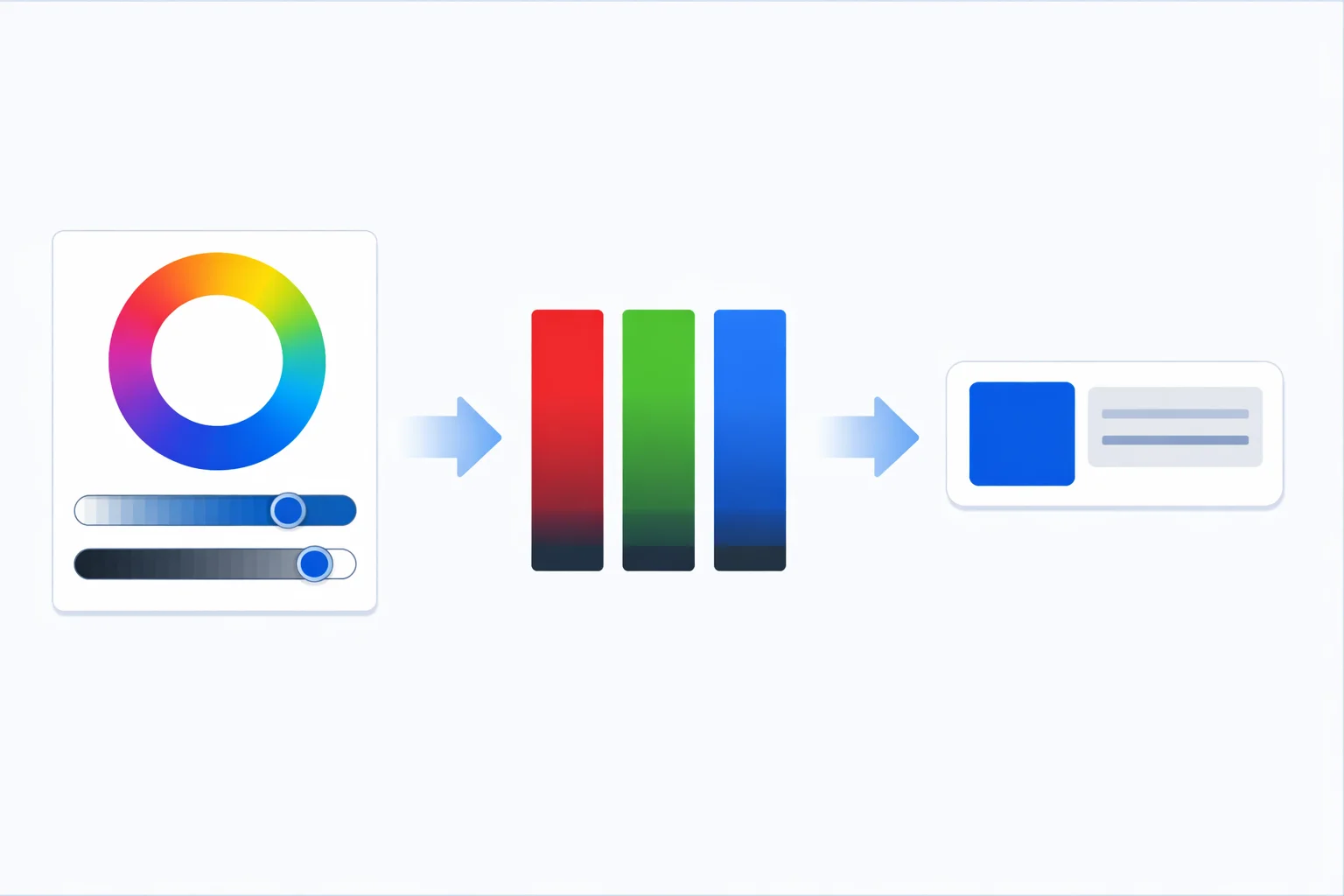
The Handoff Problem HSL to Hex Solves
Picture the moment a color leaves your hands. You tuned it in a picker where dragging one slider made it warmer, another made it bolder, a third made it lighter. That is HSL thinking, and it maps cleanly onto how people describe color out loud. But the file formats waiting downstream don't care about your mental model. A theme.json, a Tailwind config, an SVG fill attribute, an Android colors.xml— most of them expect a hex string. Hex is the lowest common denominator of web color: compact, copy-pasteable, and supported everywhere since the 1990s.
So the conversion isn't academic. It's the daily friction point between design intent and stored value. Get hsl(0, 100%, 50%) into a hex field and it becomes #FF0000; the searcher who typed "hsl 0 100 50 in hex" wants exactly that translation, fast, with no guessing.
Why There's No Direct HSL-to-Hex Formula
Here's the part most people miss: HSL never converts straight to hex. There is no equation that takes a hue, a saturation, and a lightness and spits out #3C83F6 in one move. Every converter routes through RGB as an obligatory layover. The flow is always HSL → RGB → hex, because hex is nothing more than base-16 packaging for three 0–255 RGB channels.
The two halves of the trip do completely different jobs. HSL → RGB is color math— it figures out, given a position on the wheel and two percentages, how much red, green, and blue light to mix. RGB → hex is pure encoding — it takes the number 246 and writes it as F6, no color reasoning involved. If you only need the middle stop, our HSL to RGB converter stops there; if you arrived with a hex code instead, the hex to HSL converter runs the whole thing in reverse.
Worked Example: hsl(217, 91%, 60%) to #3C83F6
Let's convert a real color by hand — the blue near Tailwind's blue-500. Inputs: hue 217°, saturation 91%, lightness 60%.
- Normalize the percentages: S = 0.91, L = 0.60.
- Chroma:C = (1 − |2 × 0.60 − 1|) × 0.91 = (1 − 0.20) × 0.91 = 0.728.
- Hue sector:217 / 60 = 3.617, which lands in the 4th sector (180–240°), where green and blue dominate.
- Second component X:X = C × (1 − |3.617 mod 2 − 1|) = 0.728 × 0.383 = 0.279.
- Lightness match m: m = L − C/2 = 0.60 − 0.364 = 0.236.
- Assemble RGB:in this sector (R, G, B) = (0, X, C) + m = (0.236, 0.515, 0.964), then × 255 → RGB(60, 131, 246).
- Encode to hex: 60 =
3C, 131 =83, 246 =F6→ #3C83F6.
Type 217, 91, 60into the converter above and you'll see the same #3C83F6. The pipeline panel even shows that intermediate RGB(60, 131, 246) the math passed through.
The Chroma Method Behind the RGB Step
The HSL → RGB algorithm has a name: the chroma method. Chroma (C) is the width of the color — the gap between the brightest and dimmest channel before lightness shifts everything. The formula C = (1 − |2L − 1|) × S peaks at L = 0.5, which is exactly why 50% lightness gives the most saturated version of any hue. Push lightness toward 0% or 100% and that |2L − 1|term climbs toward 1, crushing chroma to zero — the color drains to black or white no matter how high you set saturation.
The hue then picks which two of the three channels get C and X, sorting the 360-degree wheel into six 60-degree sectors. The final + m step slides the whole trio up or down the brightness scale to hit the requested lightness. The W3C documents the canonical version of this algorithm in the CSS Color Module Level 4 specification, and every browser implements it identically — which is why a converter and your stylesheet always agree.
Where Integer Rounding Bends the Result
Tailwind's blue-500 is #3B82F6, but the worked example produced #3C83F6— off by one on red and green. That's not a bug; it's rounding. The real Tailwind value is hsl(217.2, 91.2%, 59.8%)with fractional parts. Round those to the whole numbers most converters accept and the RGB output shifts by a unit or two per channel. One digit of hex error is usually invisible to the eye, but it matters when you're trying to match an existing brand hex exactly.
The reverse problem is collapse. Integer HSL can express 360 × 101 × 101 = 3,672,360 combinations, while 8-bit hex holds 16,777,216 colors. Near grays, several HSL triplets map to the same hex: hsl(0, 0%, 50%) and hsl(200, 1%, 50%) both round to #808080because one percent of saturation rounds away at that lightness. If you need to round-trip a color and get the same value back, store the hex, not the HSL — the same advice applies when you reach for our RGB to hex converter for persistent storage.
Adding Opacity: The 8-Digit Hex
Standard hex is six characters; add a fourth channel and you get the 8-digit form, #RRGGBBAA. The last pair encodes opacity on the same 0–255 scale: FF is fully opaque, 00 is invisible, and 50% lands near 80 (128 in decimal). So hsl(217, 91%, 60%) at half opacity becomes #3C83F680. The alpha slider in the tool does this conversion for you. One caveat: 8-digit hex is solid in every modern browser, but a handful of legacy email clients drop the alpha pair and render the color fully opaque, so test before relying on it in newsletters.
Why Designers Build Shade Ramps in HSL
The tint and shade ramp in the converter shows off HSL's superpower. Lock the hue at 217° and saturation at 91%, then walk lightness from 20% to 100% in 10-point steps, and you get a clean, evenly-spaced family: #0B5BD4, #1A6AE3, #3C83F6 (the base), #6BA1F8, on up to near-white. Every swatch is unmistakably the same blue, just lighter or darker.
Try building that ramp in raw hex or RGB and you'll fight it the whole way — nudging three channels at once, watching the hue drift toward purple, never quite keeping the steps even. This is the entire reason design systems like Tailwind, Radix, and Material store their color scales as HSL internally and only emit hex at build time. The 50 through 950 shade numbers you see in those palettes are essentially lightness steps on a fixed hue. Once you have a base, our color palette generator can extend the idea into complementary and triadic harmonies.
Keep hsl() or Convert to Hex?
Hex isn't automatically the right destination. Modern CSS accepts hsl() directly — color: hsl(217, 91%, 60%)has worked since IE9 — and leaving colors in HSL inside a live stylesheet makes hover states, focus rings, and dark-mode variants a one-number edit. Convert to hex only when the destination demands it:
- Design tool fields that accept hex but not HSL (older Figma and Sketch color inputs).
- Non-CSS targets — SVG attributes, canvas
fillStyleshorthand, native mobile color resources, and hardware like LED controllers that parse hex strings. - Brand asset handoffs where a six-character code is the agreed format and you need an exact, unambiguous value.
A practical rule: think in HSL, ship in hex when something downstream insists, and keep the original HSL noted somewhere if you'll need to derive shades later. The conversion is cheap; losing the editable form is the expensive part. Before you finalize a foreground-and-background pair, run the hex codes through our WCAG contrast checker to confirm the text stays legible.