Hex to Tailwind: Snapping Any Color to the Closest Utility Class
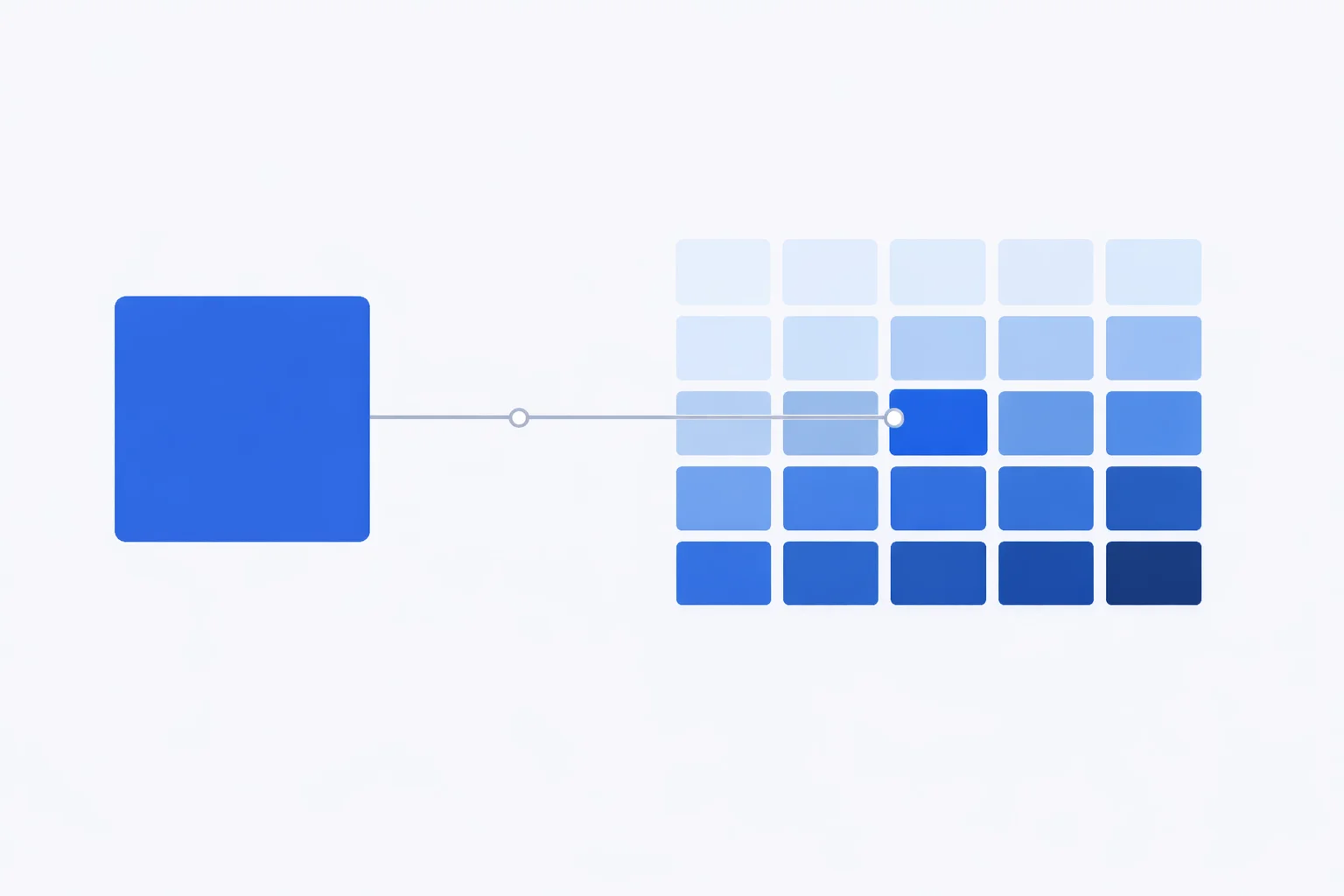
A hex to Tailwind CSS color converter answers one narrow question: which of Tailwind's 242 preset shades sits closest to the #1DA1F2 your designer just handed you? Tailwind doesn't let you type a raw hex into a normal utility class — you write bg-blue-500, not bg-#2b7fff. So when a brand color lands on your desk, you either find the nearest class in the palette or reach for an escape hatch. This tool does the finding, and the math below explains why "nearest" is trickier than comparing two hex strings.
What "Closest Tailwind Color" Actually Means
Tailwind ships 22 color families, each with 11 shades from 50 to 950 — 242 fixed points scattered through a space of 16,777,216 possible hex colors. The odds that your exact brand color is one of those 242 points are tiny. Twitter's old #1DA1F2, for instance, isn't any Tailwind shade; the nearest is sky-500 at #00A6F4— close, but a touch deeper and more saturated. "Closest" means the shade your eye would call the most similar, not an identical code.
That word "eye" is the catch. Two colors that look equally far apart to a human can have wildly different distances if you just subtract their red, green, and blue numbers. Pure RGB distance treats a jump in green as mattering exactly as much as the same jump in blue — but human vision is far more sensitive to green. A naive nearest-match in RGB regularly picks a shade that's numerically close yet obviously wrong to look at.
How the Tool Measures the Distance
To match the way people actually see color, this converter works in the OKLab color space rather than raw RGB. OKLab is a perceptual model — equal numeric distances in it correspond to roughly equal visible differences. The pipeline for every comparison is: take the hex, convert each channel to linear light, run it through the OKLab matrices, then measure the straight-line distance between your color and all 242 shades. The smallest distance wins.
Here's a worked example. Your input is #3B82F6 (the old Tailwind v3 blue-500). Converted to OKLab it's L 0.623, a −0.033, b −0.185. The current blue-500 (#2B7FFF) sits at L 0.619, a −0.039, b −0.203. The straight-line distance between them works out to 0.019 — just inside the threshold where most people see them as the same blue. The tool labels that "Near-identical" and reports the figure as ΔEOK, the OKLab delta. As a rule of thumb, under 0.02 is near-indistinguishable, 0.02–0.045 is very close, and anything past 0.10 is an approximation you should eyeball before trusting. If you want to see the underlying channel values, our hex to RGB converter breaks any code into its three components.
Tailwind v4 Moved Every Hex Value
Upgrade a project from Tailwind v3 to v4 and your colors shift — quietly. Version 4 redefined the entire default palette in OKLCH to squeeze more vividness out of modern wide-gamut screens. The class names stayed the same, but the rendered hex codes changed. blue-500 went from #3B82F6 to #2B7FFF. red-500 moved from #EF4444 to #FB2C36. green-500 jumped from #22C55E to #00C950.
| Class | v3 hex (sRGB) | v4 hex (OKLCH) |
|---|---|---|
| blue-500 | #3B82F6 | #2B7FFF |
| red-500 | #EF4444 | #FB2C36 |
| green-500 | #22C55E | #00C950 |
| amber-500 | #F59E0B | #FE9A00 |
| slate-700 | #334155 | #314158 |
This converter uses the v4 values, so its matches reflect what you actually ship today. If your design system is still pinned to v3 and a perfect match matters, copy the exact hex into an arbitrary class instead of trusting the class name to mean what it did two years ago. To go the other direction and read a shade as standard channels, the RGB to hex converter is handy.
Reading the 50–950 Shade Scale
The number after a family name is a lightness step, not a saturation or hue control. 50 is the palest tint, 950 is nearly black, and the steps in between are spaced so each looks like a similar visual jump to the last. That even spacing is deliberate: it's why gray-100 to gray-200 feels like the same size change as gray-800 to gray-900, even though the raw RGB gaps differ.
- 50–200: backgrounds, subtle fills, hover states on light UIs
- 300–400: borders, dividers, disabled text, placeholder copy
- 500–600: primary buttons, links, and brand accents — the workhorse range
- 700–950: body text on light backgrounds, dark-mode surfaces, deep shadows
When the tool returns, say, indigo-600, it's telling you both the hue family and where on that lightness ramp your color falls. If the match is close on hue but you want it lighter or darker, slide one shade up or down the scale rather than switching families — the family row under the result lets you do exactly that.
Arbitrary Values vs. Extending the Theme
When no shade is close enough, Tailwind gives you two ways to use the real hex, and they serve different purposes.
| Approach | Syntax | Best for |
|---|---|---|
| Arbitrary value | bg-[#1da1f2] | One-off colors, prototypes, a single button |
| Theme token (v4) | @theme { --color-brand: #1da1f2; } | Reusable brand colors used across the app |
| Nearest preset | bg-sky-500 | When "close enough" keeps your palette consistent |
The arbitrary form is fast but scatters raw hex codes through your markup, so changing the brand color later means a find-and-replace across files. A theme token defines the color once — write bg-brandeverywhere, change it in a single line. Reach for arbitrary values while you're sketching, and promote a color to a token the moment you use it more than twice.
Mistakes When Mapping Brand Colors
Matching in RGB instead of a perceptual space. Sort the palette by plain RGB distance and you'll sometimes get a shade that's numerically nearest but a different hue to the eye — picking cyan-500 when a human would clearly say sky-500. Always match perceptually, which is why this tool uses OKLab.
Trusting a v3 hex inside a v4 project. If your brand guide says "we use Tailwind blue-500" and lists #3B82F6, that note is now wrong by about a 0.03 OKLab step. The class still exists; its color moved. Re-check brand-critical colors after upgrading.
Forcing a match that isn't there. A logo color with an ΔEOK of 0.12 to its nearest shade is not a match — it's the least-bad option. Shipping it as bg-purple-500 can make a careful brand look off. Use the arbitrary value when the distance number is large.
Ignoring lowercase rules in arbitrary classes. Tailwind is case-insensitive about the hex inside brackets, but mixing bg-[#1DA1F2] and bg-[#1da1f2] in the same file generates two separate classes in some tooling and can defeat deduplication. Pick one case — lowercase is the convention.
When NOT to Snap to the Nearest Shade
Don't round to a preset for colors that carry legal or brand weight. A bank's exact corporate blue, a sports team's licensed colors, or a Pantone-matched print color should be reproduced precisely with an arbitrary value or a theme token, not approximated to blue-600 because it's "basically the same." If you're coming from print, run the value through our CMYK to RGB converter first to get a screen-accurate hex before matching.
Also skip the nearest-shade approach for accessibility-tuned colors. If you've hand-picked a text color to hit a specific WCAG contrast ratio against a background, snapping it to the closest Tailwind shade can quietly drop you below the 4.5:1 threshold for normal text. Verify the matched color, not the original, with our WCAG contrast checker. For the precise OKLCH definitions behind every default shade, the official Tailwind color documentation lists them all, and the W3C CSS Color 4 spec defines the OKLab math the matcher relies on.