CMYK to RGB: Turning Print Ink Values Into Screen Colors
A CMYK to RGB converter takes the four ink percentages from a print file and tells you the screen color they represent. Picture this: a brand book lands in your inbox specifying the company blue as CMYK(80, 60, 0, 8). Your job is to build the website, and CSS doesn't speak ink — it speaks RGB and hex. You need to know those four numbers become RGB(47, 94, 235), or #2F5EEB, before you can paste anything into a stylesheet. This page walks through exactly how that translation works, and where it quietly misleads you.
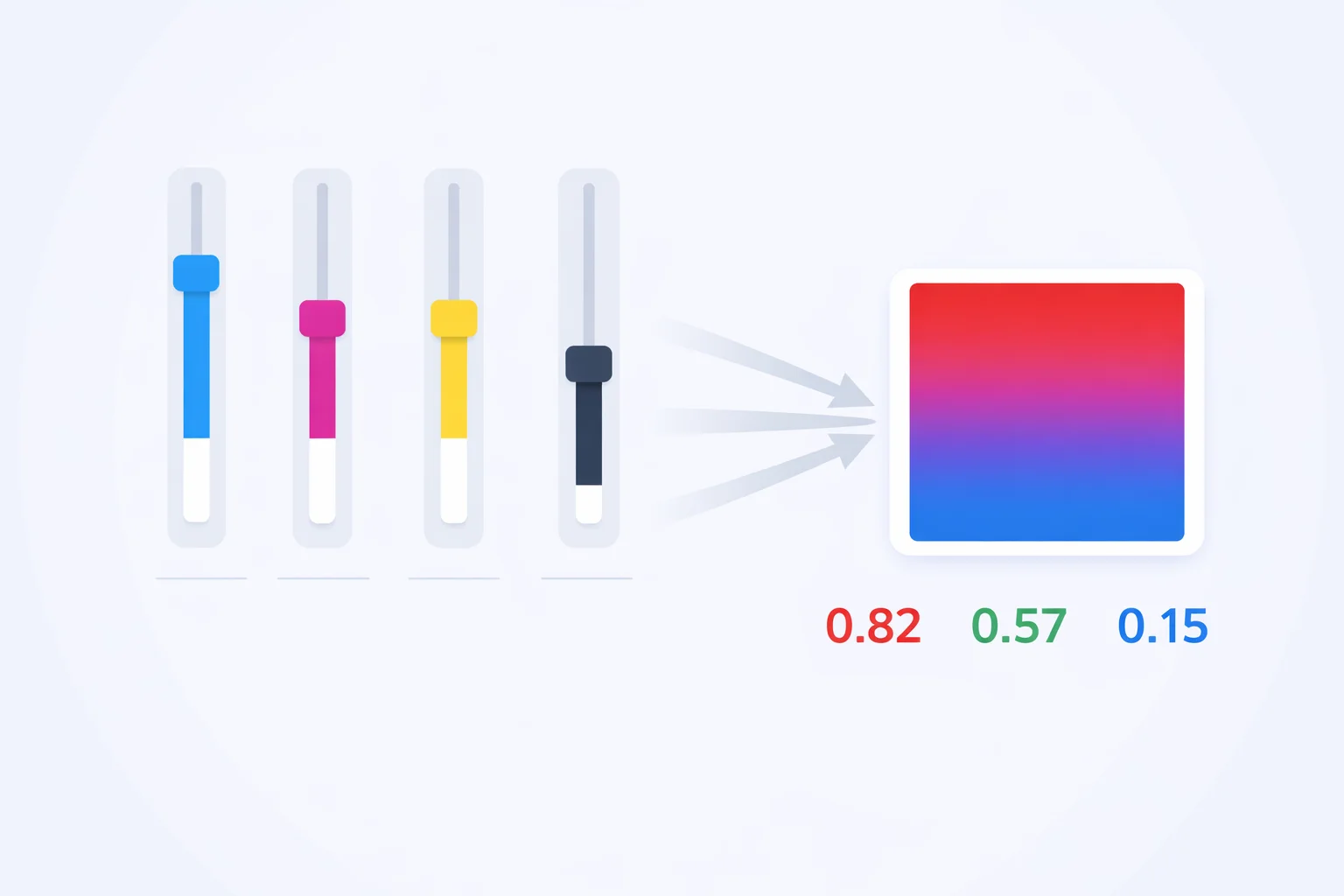
From Four Inks to Three Lights
CMYK is a subtractive system. You start with white paper and lay down cyan, magenta, yellow, and black ink to absorb light. RGB is the opposite — a black screen that adds red, green, and blue light to build color. Converting CMYK to RGB means asking a single question for each light channel: after this much ink, how much light bounces back?
Cyan ink absorbs red light, so the cyan percentage controls the red channel. Magenta absorbs green, so it drives the green channel. Yellow absorbs blue, so it sets the blue channel. Black ink darkens everything at once. That clean one-to-one pairing — C→R, M→G, Y→B — is why this direction is far simpler than the reverse handled by our RGB to CMYK converter, which has to manufacture a black value out of three channels.
The CMYK to RGB Formula, Worked Out
Three short equations do the whole job. Convert each percentage to a decimal first (80% becomes 0.80), then:
- R = 255 × (1 − C) × (1 − K)
- G = 255 × (1 − M) × (1 − K)
- B = 255 × (1 − Y) × (1 − K)
Let's run the brand blue from the intro, CMYK(80, 60, 0, 8), step by step. First the decimals: C = 0.80, M = 0.60, Y = 0.00, K = 0.08. The black factor (1 − K) = 0.92 is shared by all three channels.
- R = 255 × (1 − 0.80) × 0.92 = 255 × 0.20 × 0.92 = 47
- G = 255 × (1 − 0.60) × 0.92 = 255 × 0.40 × 0.92 = 94
- B = 255 × (1 − 0.00) × 0.92 = 255 × 1.00 × 0.92 = 235
Result: RGB(47, 94, 235). Because the yellow channel was 0%, the blue light channel keeps almost all of its 255 — only the 8% black knocks it down to 235. The converter above shows this same arithmetic live in the dark formula box, so you can nudge a single ink and watch which channel moves.
Why the Math Is Exact but the Screen Lies
Here's the part most converters skip. Unlike RGB to CMYK, this direction never clips. RGB covers a wider gamut than any printing ink set, so every CMYK combination has a valid RGB home — the formula always returns clean whole numbers between 0 and 255. The math is exact. The color is not.
Take process cyan, CMYK(100, 0, 0, 0). The formula gives RGB(0, 255, 255), a glowing electric cyan. No physical cyan ink can produce that intensity, because ink reflects a limited slice of light while your monitor emits pure backlit photons. The on-screen version looks roughly 20–30% more saturated than the printed sheet ever will. That's the trap: you convert a print color, admire the vivid result on your monitor, and assume the press will match it. It won't. For any color-critical job, the printed proof is the truth and the screen is a flattering liar.
The K Channel Is a Master Dimmer
Notice that (1 − K) appears in all three equations. That makes black the most powerful single input in the conversion — it scales red, green, and blue by the same factor at once. Push K up and the whole color darkens uniformly without shifting hue.
A worked comparison makes it obvious. CMYK(40, 0, 0, 0) converts to RGB(153, 255, 255), a pale icy cyan. Add 50% black — CMYK(40, 0, 0, 50) — and every channel halves to RGB(77, 128, 128), the same hue but muted and shadowed. The cyan, magenta, and yellow numbers never changed; the black alone cut brightness in half. This is also why any CMYK value with K at 100% collapses to RGB(0, 0, 0). Rich black at CMYK(60, 40, 40, 100) and plain K-only black at CMYK(0, 0, 0, 100) both render as the identical #000000 on screen, even though one floods 240% ink onto paper and the other lays down just 100%.
Reading a Print Spec Sheet for the Web
The most common real reason to run this conversion is digitizing a brand that was designed for print first. Logos, packaging, and stationery from before the web era often exist only as CMYK. To rebuild that identity online you convert each spec color to RGB, then to hex for your CSS. Here are the process landmarks designers reach for most, with their screen equivalents:
| Ink Color | CMYK | RGB | Hex |
|---|---|---|---|
| Process Cyan | 100, 0, 0, 0 | 0, 255, 255 | #00FFFF |
| Process Magenta | 0, 100, 0, 0 | 255, 0, 255 | #FF00FF |
| Process Yellow | 0, 0, 100, 0 | 255, 255, 0 | #FFFF00 |
| Process Red | 0, 100, 100, 0 | 255, 0, 0 | #FF0000 |
| Print Navy | 100, 80, 0, 40 | 0, 31, 153 | #001F99 |
| Warm Gray 50% | 0, 0, 0, 50 | 128, 128, 128 | #808080 |
| Rich Black | 60, 40, 40, 100 | 0, 0, 0 | #000000 |
Once you have the RGB or hex value, you'll often want to clean it up — a conversion that lands on RGB(0, 31, 153) is rarely the final brand color a web team ships. Run it through the RGB to hex converter to lock in the code, then nudge the lightness if accessibility contrast demands it. The W3C's WCAG 2.1 guidelines require a 4.5:1 contrast ratio for body text against its background, and a straight print-to-screen conversion doesn't guarantee that.
Mistakes That Wreck the Conversion
Three errors account for nearly every wrong result people get from a CMYK to RGB conversion:
- Entering CMYK on a 0–255 scale.CMYK runs 0–100%, full stop. Type 255 into a cyan field thinking it's the maximum and a naive parser may read it as 255%, producing nonsense. Maximum cyan is 100, which already means full ink coverage.
- Forgetting the black factor.Skip the (1 − K) term and CMYK(50, 0, 0, 50) returns RGB(128, 255, 255) instead of the correct RGB(64, 128, 128). That's the gap between a pale tint and a proper mid-shadow teal — a 127-point error on two channels.
- Trusting the screen for press approval. The converted RGB is a preview, not a proof. A CMYK(15, 100, 100, 0) red shows as a punchy RGB(217, 0, 0) on screen, but the printed ink reads noticeably darker and flatter. Approve color from a physical proof, never from the monitor.
CMYK to RGB Quick Reference
This table collects the conversions people search for by exact number — the neutral grays and tints that turn up constantly in print specs. Notice how the K-only grays produce perfectly equal R, G, and B values, the signature of a true neutral.
| CMYK Input | RGB Output | Hex | Note |
|---|---|---|---|
| 0, 0, 0, 0 | 255, 255, 255 | #FFFFFF | Paper white |
| 0, 0, 0, 25 | 191, 191, 191 | #BFBFBF | Light gray |
| 0, 0, 0, 75 | 64, 64, 64 | #404040 | Dark gray |
| 80, 60, 0, 8 | 47, 94, 235 | #2F5EEB | Brand blue |
| 0, 35, 85, 0 | 255, 166, 38 | #FFA626 | Amber / gold |
| 100, 0, 100, 0 | 0, 255, 0 | #00FF00 | Process green |
One last practical note: if your source color came from a hex code in the first place and you only converted it to CMYK for a print run, skip the round-trip and keep the original. Our hex to RGB converter gives you the exact decimal values with zero rounding drift — drift a CMYK detour can quietly introduce.