Pantone to RGB: Converting Spot Colors for Digital Use
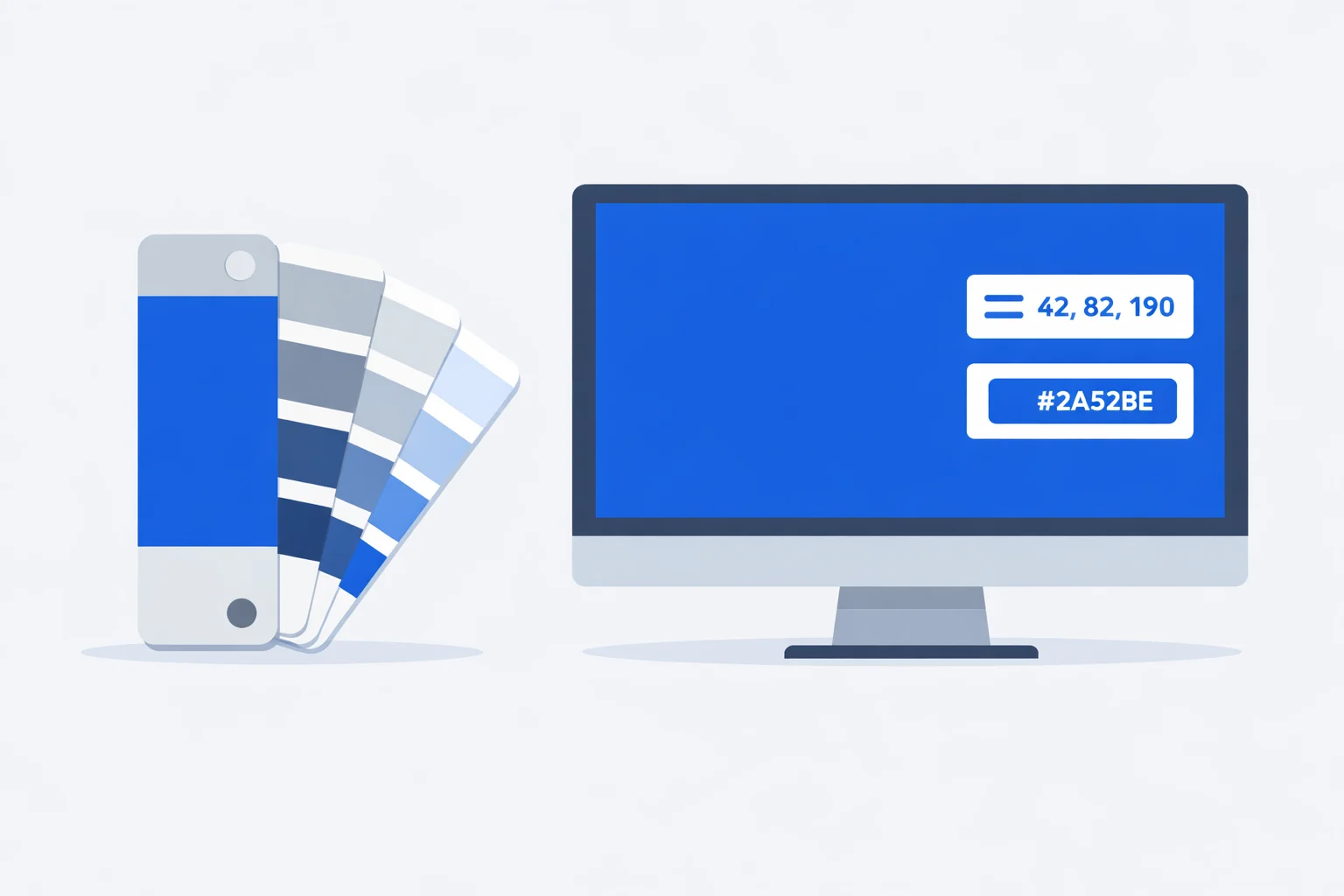
A brand guide lands in your inbox: "Primary color — PMS 286 C." Your job is to build the website, and CSS has never heard of Pantone. That's the exact gap a Pantone to RGB convertercloses — it takes a printed spot-color spec and hands you the RGB(0, 51, 160) and #0033A0 you actually need for a stylesheet. Unlike a formula-based conversion, this is a lookup: each Pantone number points to a pre-mixed ink, and the RGB is a published approximation of how that ink looks on screen. The catch most people miss is that "the" RGB for a given PMS color isn't a single fixed number — and knowing why saves you from a mismatched rebrand.
One Pantone Number, Several "Official" RGBs
Ask three sources for the RGB of PMS 185 C and you may get three answers. Pantone's current Color Bridge data lists it as RGB(228, 0, 43). The Pantone Connect app has shown RGB(229, 5, 43). Older 2010-era bridge guides printed RGB(224, 0, 52). None is "wrong" — they reflect different measurement runs, different sRGB rendering intents, and revisions Pantone has made over the years. The spread is usually 3 to 10 points per channel, enough to be visible when two versions sit side by side.
So pin your RGB to one named source and stay consistent across the whole brand system. If your logo files use RGB(228, 0, 43) for PMS 185 C, every button, banner, and favicon should use that same triplet. Mixing sources is how a site ends up with two subtly different "reds" that nobody can quite explain.
How Pantone Turns Ink Into RGB
A Pantone chip starts as a physical ink swatch. Pantone measures it with a spectrophotometer under standardized D50 lighting, producing a set of CIE Lab coordinates — a device-independent description of the color. To get RGB, that Lab value is converted through the XYZ color space and then mapped into sRGB, the standard gamut for monitors and the web. The chain is ink → Lab → XYZ → sRGB → RGB.
That final step clips. sRGB can't display every color an ink can produce. When a Pantone color sits outside the sRGB gamut — many vivid oranges, greens, and a few deep blues do — the RGB you get is the nearest in-gamut substitute, not a true equal. It's why two visibly different inks can occasionally share a near-identical RGB on screen.
Worked Example: PMS 286 C to RGB
Take PMS 286 C, the royal blue behind Samsung, Ford, and the UK's NHS. Its published coated RGB is (0, 51, 160). Here's how that becomes the values you copy:
Step 1 — RGB to hex. Convert each channel to two hex digits: 0 → 00, 51 → 33, 160 → A0. Concatenate to #0033A0. That's the value for color: #0033A0; in CSS.
Step 2 — RGB to HSL. Normalize to 0–1: (0, 0.2, 0.627). Max is 0.627, min is 0, so lightness = (0.627 + 0) / 2 = 0.314 → 31%. Saturation is 100% because the minimum channel is zero. The hue lands at 221°. Result: hsl(221, 100%, 31%) — a deep, fully saturated blue.
Step 3 — RGB to CMYK. K = 1 − max(0, 0.2, 0.627) = 0.373. Then C = (1 − 0 − 0.373) / (1 − 0.373) = 1.0, M = (1 − 0.2 − 0.373) / 0.627 = 0.68, Y = 0. Result: roughly 100, 68, 0, 37. This is a math conversion — for an actual press you'd use Pantone's recommended CMYK build, not this raw value. If you need that path, our RGB to CMYK converter shows the process build alongside ink coverage.
Coated and Uncoated Give Different Numbers
The suffix on a Pantone code isn't decoration. PMS 286 C (coated) and PMS 286 U (uncoated) share one ink recipe but live on different paper, and paper changes everything. Glossy coated stock holds ink on the surface, so 286 C reads as a crisp RGB(0, 51, 160). Uncoated stock soaks the ink into its fibers and scatters the reflected light, so 286 U renders closer to RGB(46, 65, 145) — lighter, grayer, less electric.
That gap can exceed ΔE 8, which is larger than the difference between two separate PMS numbers on the same stock. This tool uses Coated values because they're the most requested for digital work, but if your brand guide says "286 U," the RGB here previews too vivid. When in doubt, ask which guide the spec came from before you lock a hex into your design system.
Why the RGB Looks Off on Your Monitor
You convert PMS 376 C to RGB(127, 186, 0), drop it on a page, and it looks duller than the fan deck chip on your desk. Three culprits, in order of likelihood:
- Gamut clipping. PMS 376 C is a bright lime-green sitting near the edge of sRGB. The RGB is the closest your monitor can show, not a perfect twin.
- Display calibration. An uncalibrated laptop screen can shift any color by ΔE 5 or more. The same #7FBA00 looks different on a MacBook, a budget IPS panel, and an OLED phone.
- Lighting.Your physical chip is designed to be viewed under D50 (5,000K) light. Office fluorescents or warm desk lamps push your perception of the printed swatch, while the screen glows at 6,500K. You're comparing the chip and the pixel under two different suns.
For anything brand-critical, treat the on-screen RGB as a working reference and confirm against a physical Pantone Color Bridge guide under proper lighting.
Reference: Pantone Colors of the Year in RGB
Pantone's annual Color of the Year comes from the Fashion (TCX) library, not the PMS graphics system, but designers constantly need its RGB and hex for digital work. These are Pantone's published digital values — handy when a campaign references a recent flagship shade:
| Year | Name | RGB | Hex |
|---|---|---|---|
| 2025 | Mocha Mousse (17-1230) | 164, 120, 100 | #A47864 |
| 2024 | Peach Fuzz (13-1023) | 255, 190, 152 | #FFBE98 |
| 2023 | Viva Magenta (18-1750) | 187, 38, 73 | #BB2649 |
| 2022 | Very Peri (17-3938) | 102, 103, 171 | #6667AB |
| 2020 | Classic Blue (19-4052) | 15, 76, 129 | #0F4C81 |
These are TCX codes (textile cotton), which is why they look different from PMS graphic numbers — a reminder that "Pantone" spans several catalogs, each with its own numbering and its own RGB. Going the other direction, from a screen color to the nearest spot ink, is a search problem rather than a lookup; our RGB to Pantone converter handles that with delta-E scoring.
RGB, Hex, or CMYK — Which to Pull From a Pantone
A Pantone lookup hands you four formats. Which one you record depends on where the color is headed:
- Hexfor web and most design tools. It's the most compact and the default in CSS, Figma, and Tailwind configs. PMS 199 C → #D50032.
- RGB when you need per-channel control — feeding values into a gradient, a canvas API, or an LED driver. Same color: rgb(213, 0, 50).
- HSL when you want to generate tints and shades programmatically. Hold hue and saturation, drop lightness, and you get a coherent palette from one brand color.
- CMYKonly as a rough reference. For a real print job, use Pantone's suggested process build or a true spot plate — a math-derived CMYK can drift ΔE 4–6 from the actual ink. Our CMYK to RGB converter is useful for checking the reverse trip.
Build one habit and the rest takes care of itself: store the Pantone code and your chosen hex together in your brand documentation. The Pantone goes to print vendors; the hex goes to developers. Keep them side by side and the "why are there two slightly different blues" conversation never happens.